
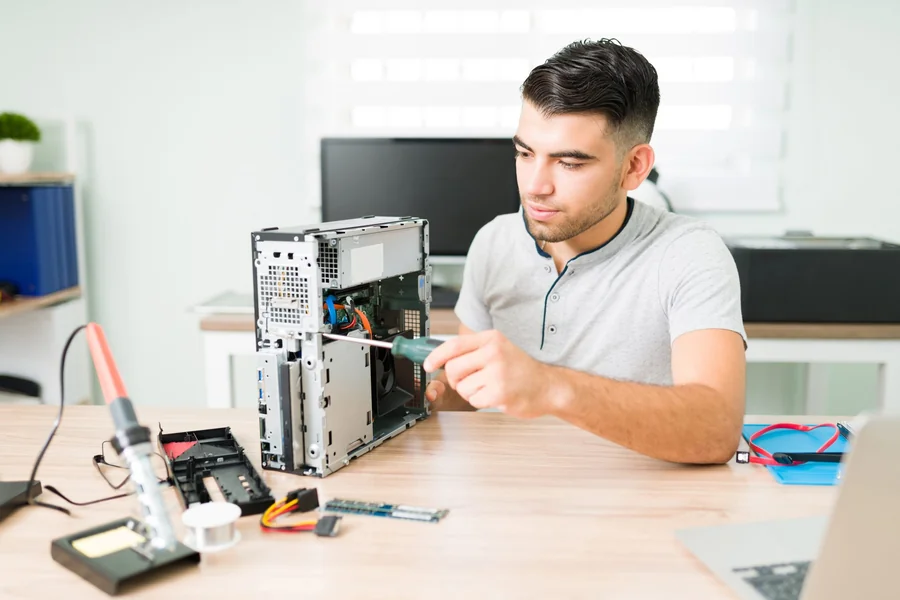
When a workstation crashes, a server refuses to boot, or a desktop begins restarting without warning, many owners jump straight to the most visible conclusion: the motherboard failed, the drive is dying, or the system needs a major replacement. That reaction is common, but it is often premature. Computer service providers know that unstable power can imitate a wide range of hardware failures, from corrupted startup behavior to intermittent peripheral loss. For property managers, facility teams, and business owners responsible for uptime, checking power supply health first is not a minor diagnostic step. It is what prevents the wrong replacement, avoids repeated outages, and reveals whether the actual problem is the part drawing power or the part delivering it.
Power Issues Distort Symptoms Fast
-
Bad Voltage Mimics Bad Hardware
A failing power supply can make healthy components behave like damaged ones. A desktop may freeze under load, shut down without warning, fail to recognize a storage device, or refuse to power the display consistently. In many cases, the system still turns on just enough to confuse the diagnosis. Fans spin, lights appear, and partial boot activity begins, which leads owners to suspect memory, graphics, or the motherboard. Yet those symptoms often come from unstable voltage delivery rather than failed core hardware.
That is why providers supporting operational tools, office workstations, and connected business systems, including platforms tied to AI source-to-pay platform environments, typically check the power supply before recommending a broader hardware replacement. A system can appear to have multiple failing components when the actual issue is power instability affecting all of them at once. Replacing parts one by one under those conditions is expensive, slow, and often ineffective.
-
Every Component Depends On Stable Power
Computer hardware does not fail in isolation from the electrical environment feeding it. The processor, memory, storage devices, motherboard, cooling system, and expansion cards all rely on the power supply to convert incoming current into stable voltages that the system can use safely. If those rails drift out of tolerance, spike under demand, or sag during startup, the resulting behavior can look random even when the underlying cause is consistent.
This matters because modern systems are sensitive to irregular power conditions. A storage drive may disconnect briefly during a voltage drop. Memory errors may appear under load. A graphics card may behave normally at idle and fail once the system draws more current. If a technician replaces the visible problem component without first confirming power integrity, the replacement part may exhibit the same symptoms because the electrical foundation has not changed.
-
Intermittent Failures Often Point Back
One reason service providers test the power supply early is that intermittent problems are notoriously misleading. A completely dead component is easier to diagnose. A machine that sometimes boots, sometimes restarts, and sometimes runs normally for hours creates a wider field of possible causes. Owners may report that the system only fails during certain tasks, at certain times of day, or after running for long periods. That pattern often suggests thermal or power-related instability rather than a single permanently failed component.
Power supply issues frequently emerge this way because degradation does not always happen all at once. Capacitors weaken, voltage regulation becomes less stable, and the unit loses its ability to respond cleanly to changing system demand. The result is inconsistency. Technicians recognize that pattern and use it as a reason to validate power health before approving the replacement of more expensive internal hardware.
- Startup Behavior Reveals Useful Clues
Boot problems often trigger unnecessary hardware replacement because startup failure looks serious and immediate. A system that clicks, powers briefly, cycles repeatedly, or stalls before posting can be mistaken for motherboard failure or processor trouble. Yet the startup sequence places a concentrated demand on the power supply. If the unit cannot deliver a reliable current during that moment, the entire boot process may collapse before the real hardware has a chance to initialize properly.
Computer service providers evaluate this carefully. They look at whether the machine powers momentarily and drops, whether diagnostic lights remain stable, whether devices initialize inconsistently, and whether the behavior changes with a known-good power source. Those clues help determine whether the system lacks functioning components or lacks the stable electrical support required for those components to start.
Good Diagnosis Starts At The Source
Computer service providers check power supply health before replacing hardware because so many hardware symptoms can be created, amplified, or distorted by unstable power. A weak supply can mimic motherboard failure, cause startup problems, destabilize storage, interrupt memory performance, and trigger shutdowns that appear unrelated on the surface. Without first confirming power delivery, repair decisions become more expensive and less accurate.
For property managers, facility teams, and business owners, that method matters because it reduces downtime and prevents false fixes. A disciplined technician starts at the source of system stability, not just at the most obvious symptom. When the power supply is tested early, hardware replacements become more targeted, the diagnosis becomes more credible, and the repaired system has a stronger chance of staying reliable after the work is done.